

Each card slides over the last.
Three or four messages, each with its own picture, read one at a time without ever leaving the screen.

I design and build websites end to end: the words, the pictures, the motion and the code. Below are the sites, and then a live showcase of ten kinds of section most people have never seen on a school or small-business website, each one working right here.
Scroll slowly. Every section on this page is doing something.Write to me
From a one-page portfolio to a learning platform with accounts, rooms and a book store behind it.

A complete English development system: the public site, a learning management system with learning rooms painted for every age group, a classroom timetable where each period is exactly 35 minutes, the ten coursebooks, listen-at-home audio and a video course. Designed, written and coded as one person.

Films, courses, apps and a Lab on one domain, with no framework on the home page and an exported course engine behind it. Inspected at three widths against a strict house style.

A static engine for branching scenarios, flip cards, sorting games and quizzes that teach, used for the ten courses here and ready for a client’s content.
Every one of these is built in plain code, loads fast, works on a phone and respects reduced-motion settings. Pick the ones your story needs.
The film does not play by itself. Its frames are tied to how far you have scrolled, the way a product launch page walks you around the object.
Used for: product reveals, a building walk-through, a before-and-after journey.
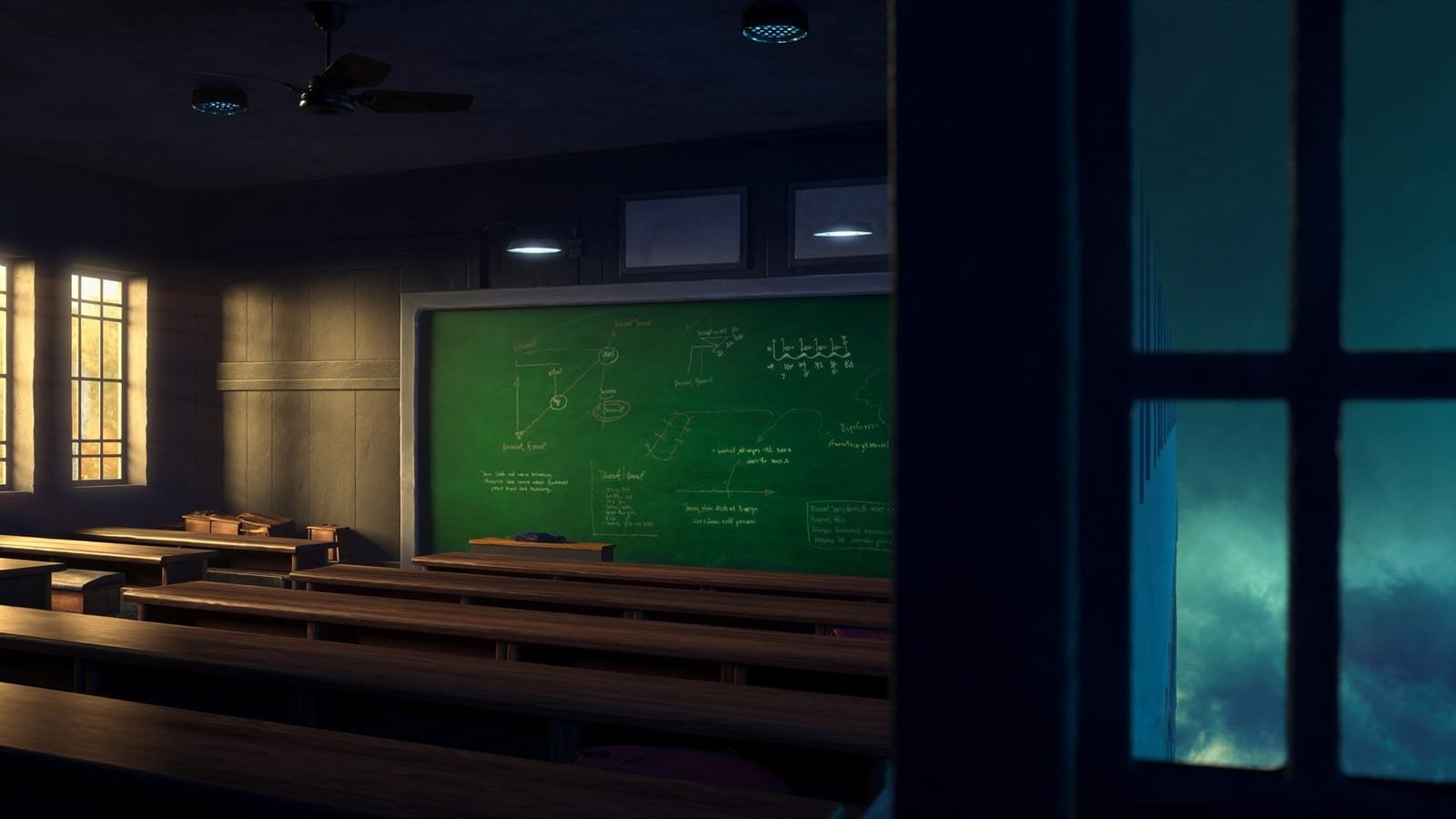


One side of the screen holds still while the reader scrolls through chapters on the other. Each chapter changes the picture.
Admissions, how a course is built, a day at the school: the reader always knows where they are.
Classroom, boardroom, studio. The same device walks a visitor through a campus or a product line.
Swipe on a phone, drag or scroll on a laptop. Pictures at two sizes so the row has rhythm.
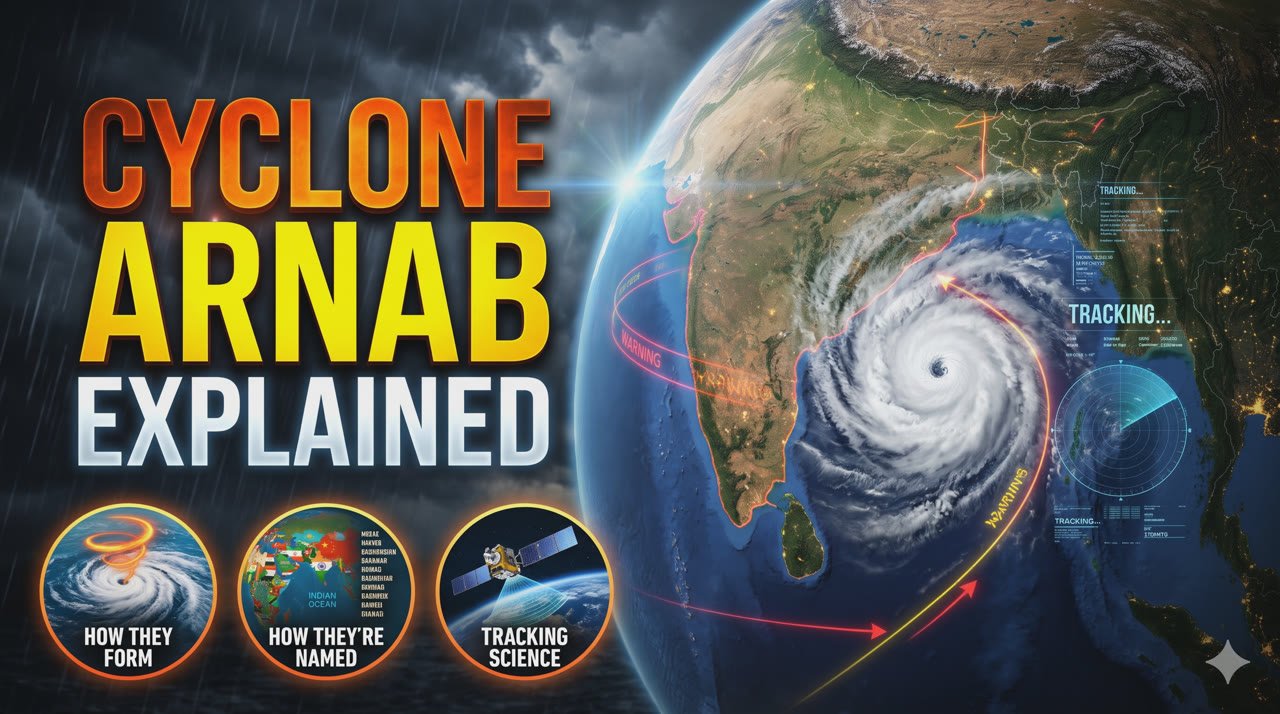



A photograph of Visakhapatnam’s port hides under the ink. The pointer carries a torch. On a phone, a tap does the same.
Used for: a hidden map, a night-and-day campus, a teaser.
Figures count up the moment they scroll into view. These are real.
Drag the handle. Here it is the raw satellite frame against the graded film frame; for a school it could be the old building and the new one.
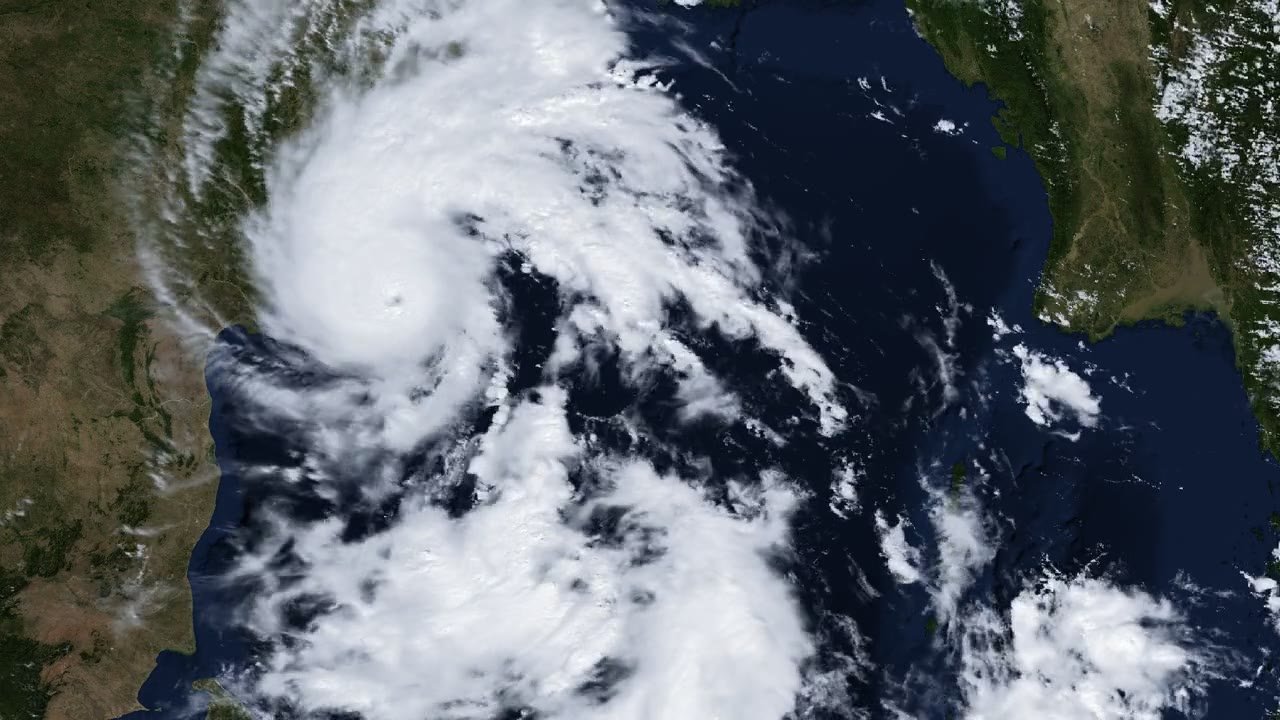 Satellite frameThe film
A long sentence can be paced by the scroll itself, so the reader cannot skim past the one line that matters, and arrives at the end exactly when the page does.
Three-dimensional on a laptop, flat and fast on a phone. The picture inside zooms a little on hover.
9 · A line that never stops moving. Pauses when you hover, stops entirely for people who ask their device for less motion.
Three or four messages, each with its own picture, read one at a time without ever leaving the screen.
What a school stands for, what a programme does, what a product changes: one per card, no bullet lists.
The final card can be the call to action, with the whole page’s colour flipped behind it.

Want a website that people remember the day after?