 Sai Sarath Madugula
Apps for schools and teachers
Small, complete tools for the things that eat a teacher’s day. Each one runs in the browser, needs no login, and keeps its data on the device it runs on. Open them on a laptop for the projector or on a phone in the corridor.
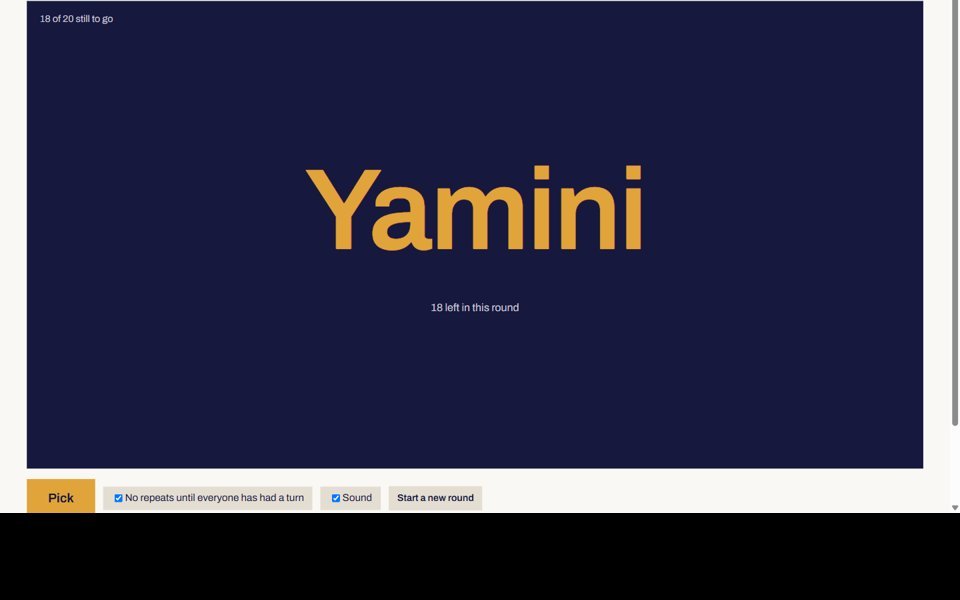
Class Picker
The one I actually use. Pick a student at random with no repeats until everyone has had a turn, then run the rest of the lesson from the same screen.
- Random pick with a rolling animation and sound
- Groups of any size, with names you can edit
- Countdown timer with a bell
- Scoreboard for students or teams
- Attendance with a CSV download
- Many classes, projector mode, keyboard shortcuts

Quiz Arena
Speed points, streak multipliers and a leaderboard. Three ready sets (grammar, science, general knowledge), or write your own in the editor.
- Solo mode with best scores
- Team hot-seat mode on one device
- Timer per question, A/B/C/D keys
- Every answer comes with the reason
- Question editor with JSON import and export

School Desk
Students, attendance, fees with receipts, timetable, notices and reports, seeded with a fictional Visakhapatnam school so you can try every screen.
- Student register with search, edit and CSV export
- Attendance by class and date, two-week trend
- Fee ledger, part payments, printable receipts
- Editable 35-minute-period timetable
- Notices for parents, teachers or a class

Recall
Flashcards in five Leitner boxes: what you know moves up, what you miss comes back sooner. Two ready decks and your own cards.
Open Recall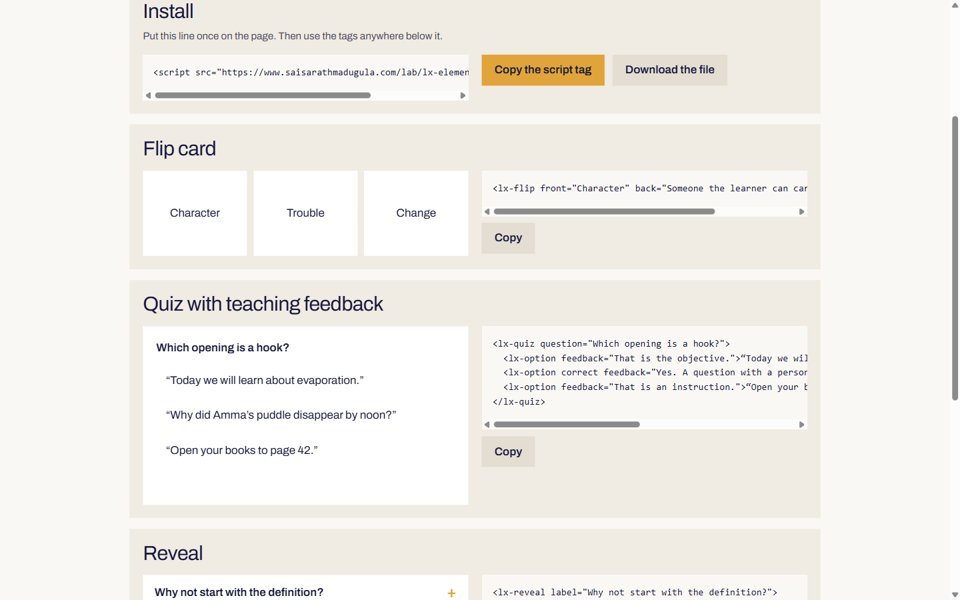
Learning Elements
Three HTML tags that turn any page into a flip card, a quiz with teaching feedback or a reveal. One script, no build step, MIT licence.
See the plugin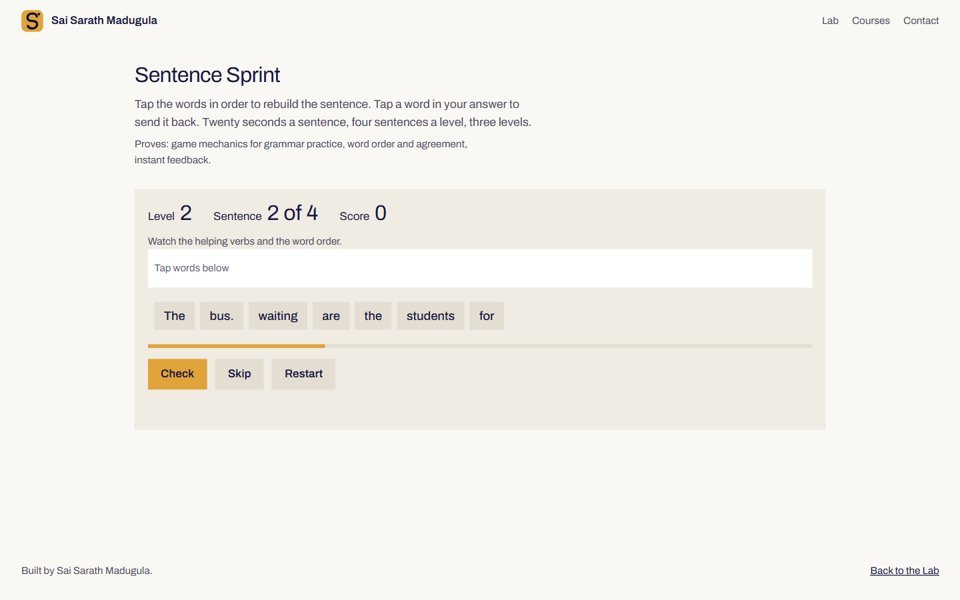
Sentence Sprint, Bloom’s Climb and two design tools
A word-order game against the clock, a game about levels of thinking, an Objective Builder and a Storyboarder for instructional designers.
Open the LabWhy they look like this
Teachers use these between two other tasks, often on a projector with thirty people watching. So: big type where it matters, one accent colour, no dashboards for the sake of it, and nothing that needs a manual.
How they are built
Each app is one HTML file with plain JavaScript and a shared stylesheet. Data lives in the browser’s local storage, with export and import so nothing is trapped. The same approach scales: the School Desk demo would take a database and accounts to become a product, and its screens would not need to change.